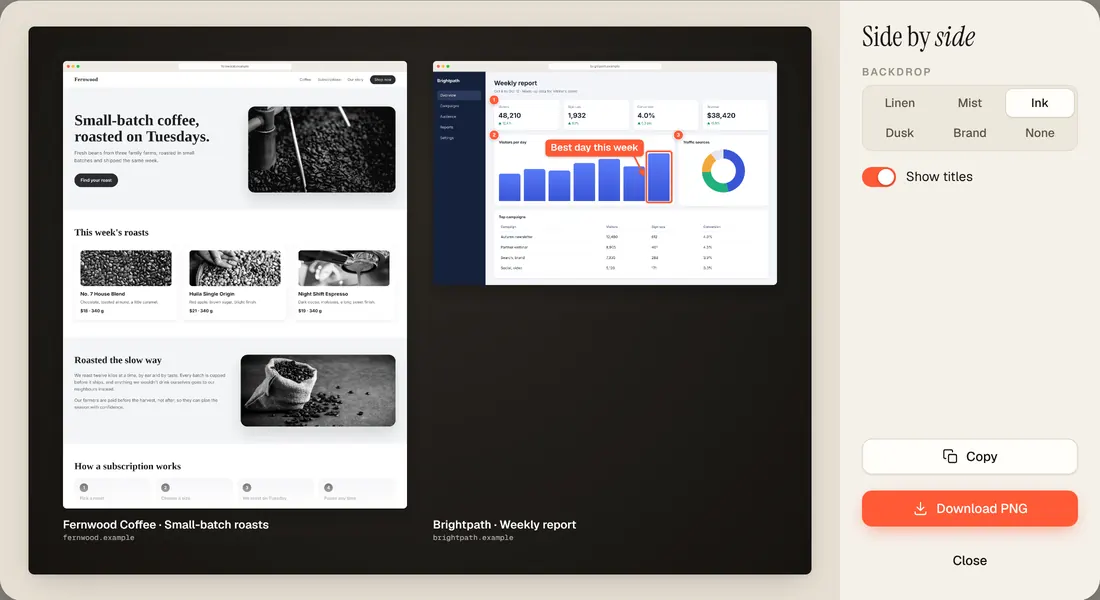
Side by side
Put 2 to 4 captures on one image: pricing pages, before and after, A/B tests.
A Chrome extension · Free to start
Any web page, top to bottom and pixel sharp. Cookie banners, pop-ups and ads are left out, and the result is ready for your deck, your post or your client.
Pay once for Pro. No account. No subscription.
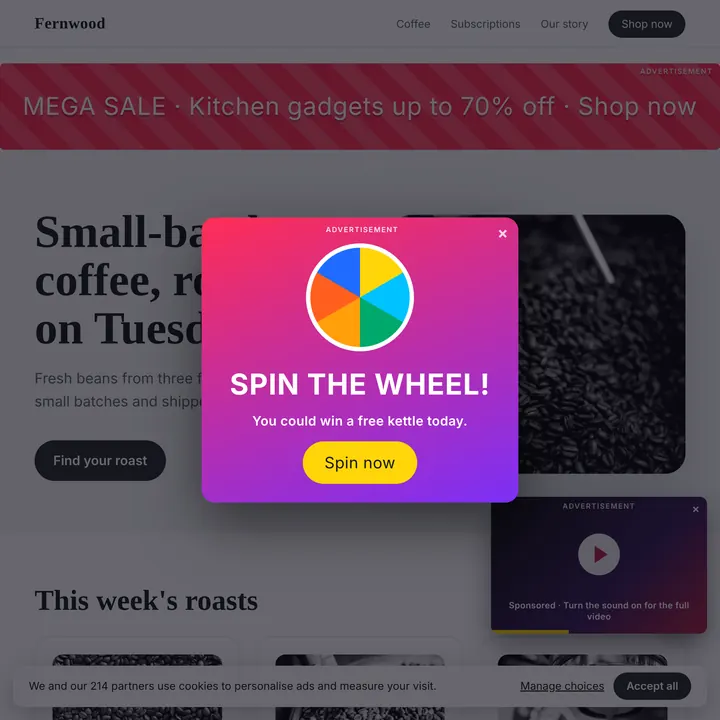
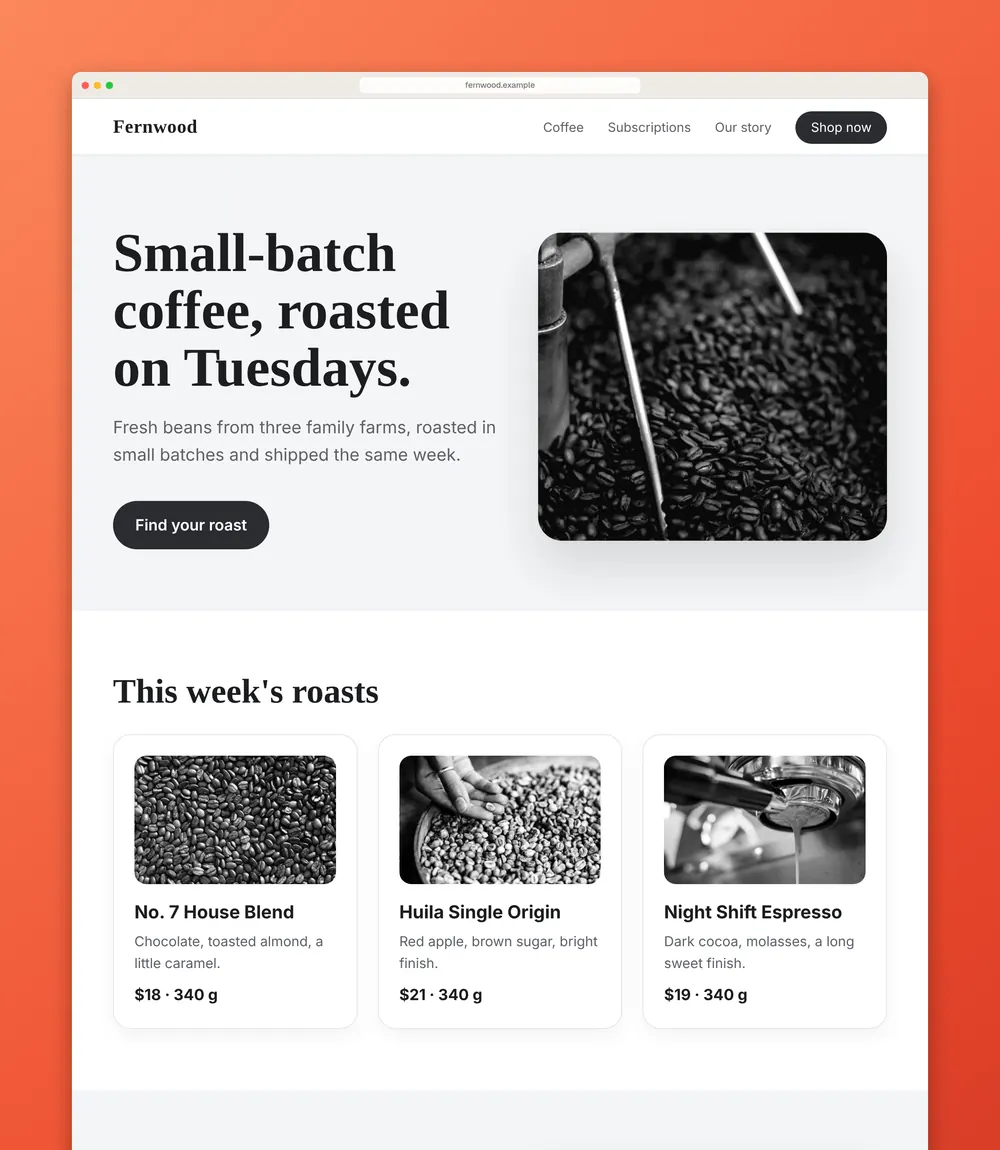
Cookie banners, chat bubbles, pop-ups and ads are hidden before the capture and put back after.
Sticky headers show once. Lazy images load first. Very long pages stay sharp.
No account. No tracking. Your screenshots never leave your computer.
Watch
Real Vitrine output, shown on a made-up shop. The pop-up, the video ad and the cookie banner stay out of the picture.
Page to video
Vitrine scrolls your capture from top to bottom as an MP4, in 16:9, 1:1, 4:5 or 9:16. Made from your capture, in your framed look, on your computer.
Hide ads
Turn on Hide ads and the ads, empty ad boxes and pop-overs stay out of the shot. Nothing is blocked on the page itself.
Brand match · Pro
Brand match reads the site’s own colours and builds a backdrop that fits. Prefer one look everywhere? Pick a backdrop like Vermilion or Ink and save it as your style.
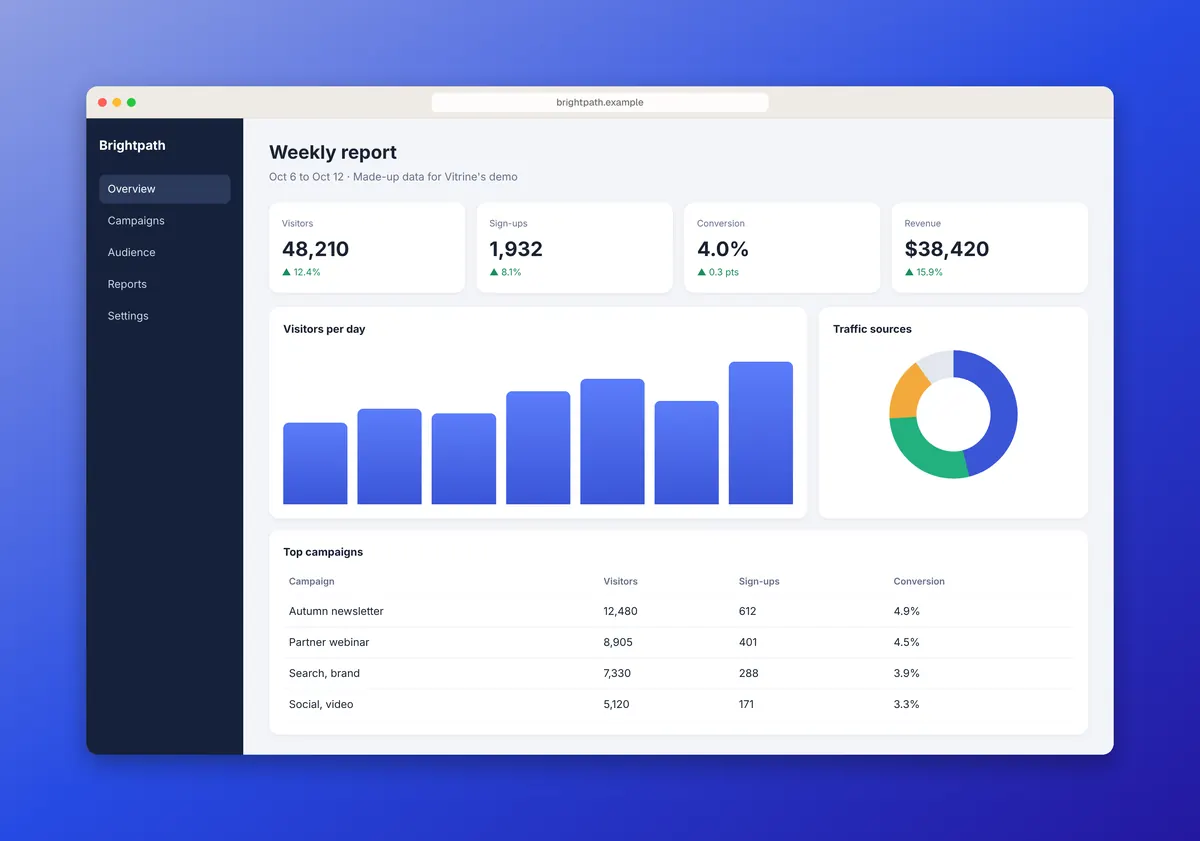
The Studio
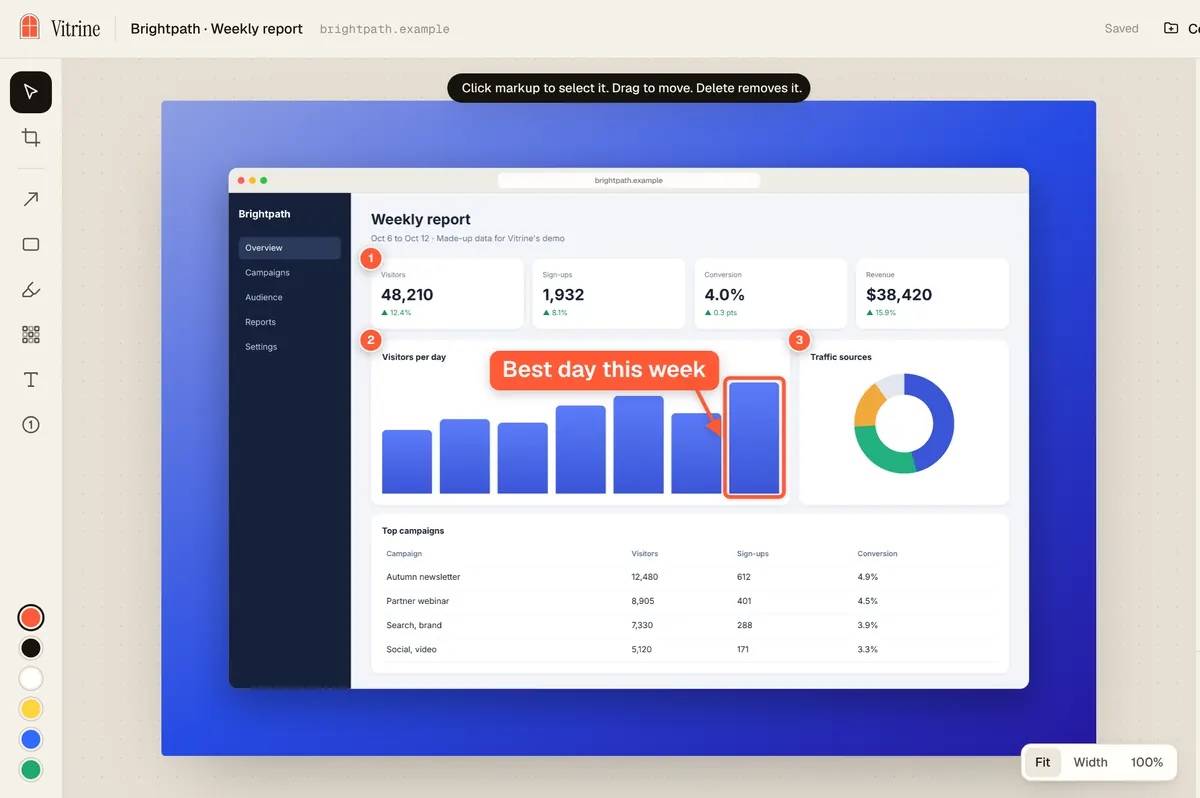
Arrows, boxes, highlights, labels, numbered steps and blur. Crop it, then export to PNG, JPG or PDF, or copy it straight to your clipboard.
Carousels
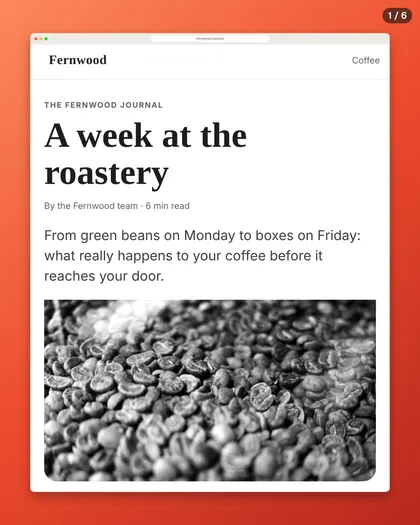
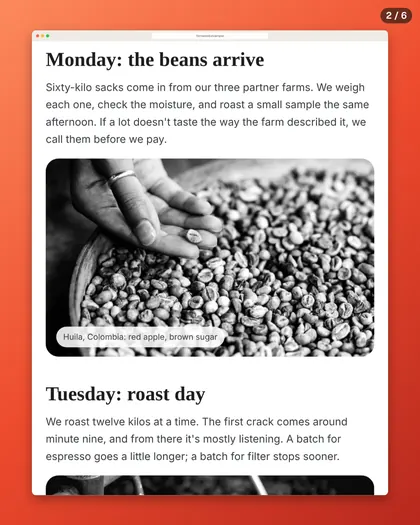
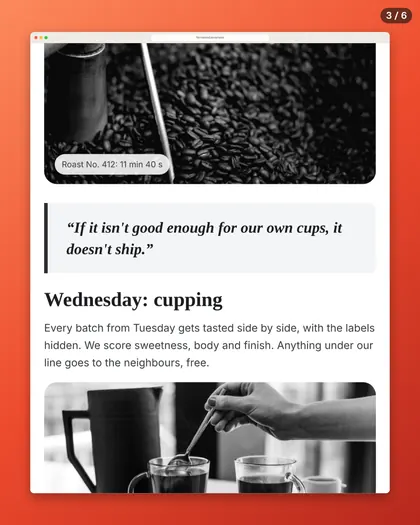
Numbered 4:5 slides, each one cut between blocks of text. Export a PDF for LinkedIn or PNG slides for Instagram.
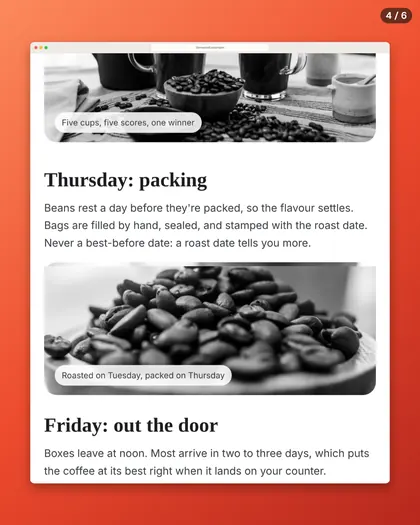
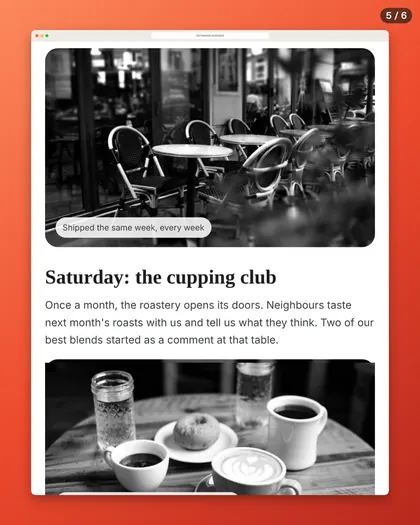
Put 2 to 4 captures on one image: pricing pages, before and after, A/B tests.
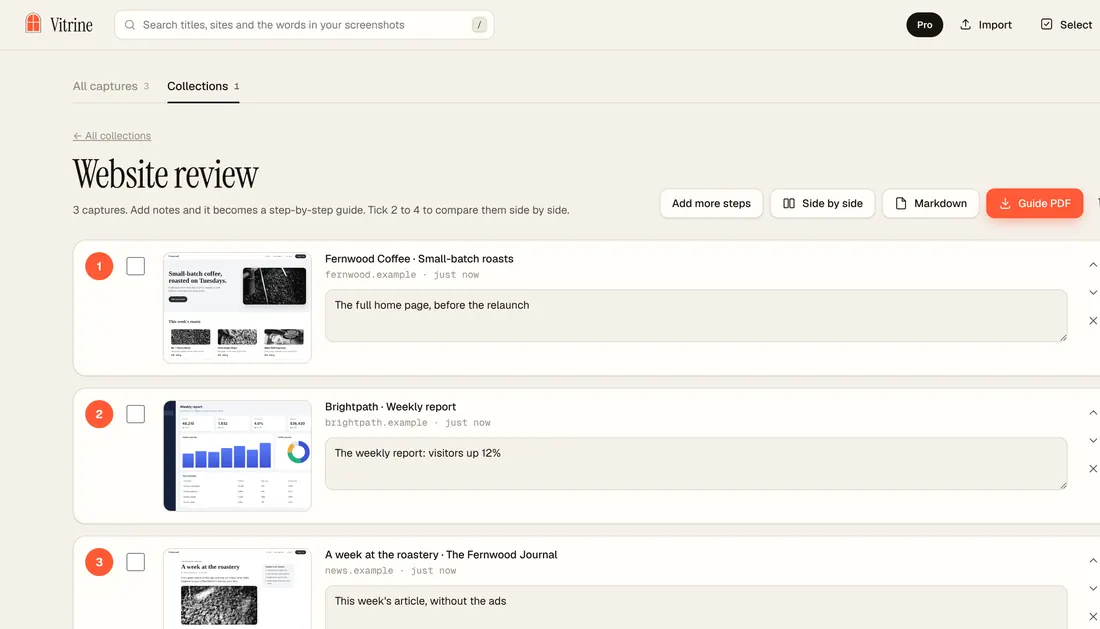
Each capture becomes a numbered step. Add a note to each, then export a clean PDF or Markdown.
Private by design
Pricing
$0 for good
$19 once
Launch price until November 30, 2026, then $24. US dollars.
You get a licence key to paste in Vitrine. No account. New users also get a 7-day Pro trial, no card needed.
14-day money-back promise. How does that compare? See the price comparison.
No. Not for the free version, not for Pro. Pro is a licence key you paste once, and it works offline.
In a private library in your browser, on your computer. Back it all up as one zip whenever you like.
Nothing, except a one-time licence check when you activate Pro.
Google Chrome on your computer.
Yes. Vitrine speaks English and French, and follows your Chrome language.
Email us within 14 days of your purchase and we’ll refund you in full.
Write to support@metadatamarketer.com. A real person replies within 3 business days.
Pay once for Pro. No account. No subscription.